USDOT & MC lookup
Search either identifier. Existing saved records resolve to the same USDOT carrier, so switching identifier types does not create duplicate watchlist entries.
Explore →Review carrier identity, authority, insurance, safety and contact changes in one freight-broker workspace.
Search either identifier. Existing saved records resolve to the same USDOT carrier, so switching identifier types does not create duplicate watchlist entries.
Explore →Review exact normalized phone and address matches across census records. A shared contact is a signal for your team to look into, and many have ordinary explanations.
Explore →Retrieve and save published Motus authority and insurance rows. See source dates, unsuccessful checks, stale data and overdue monitoring.
Explore →Approve, reject or request review with a note. Explicit decisions capture the public snapshots available at that moment.
Explore →Follow source observations after onboarding. Turn on notifications, and pause carriers while retaining their history.
Explore →Invite members, manage owner access, export your watchlist and download decision evidence. Customer notes stay within the workspace.
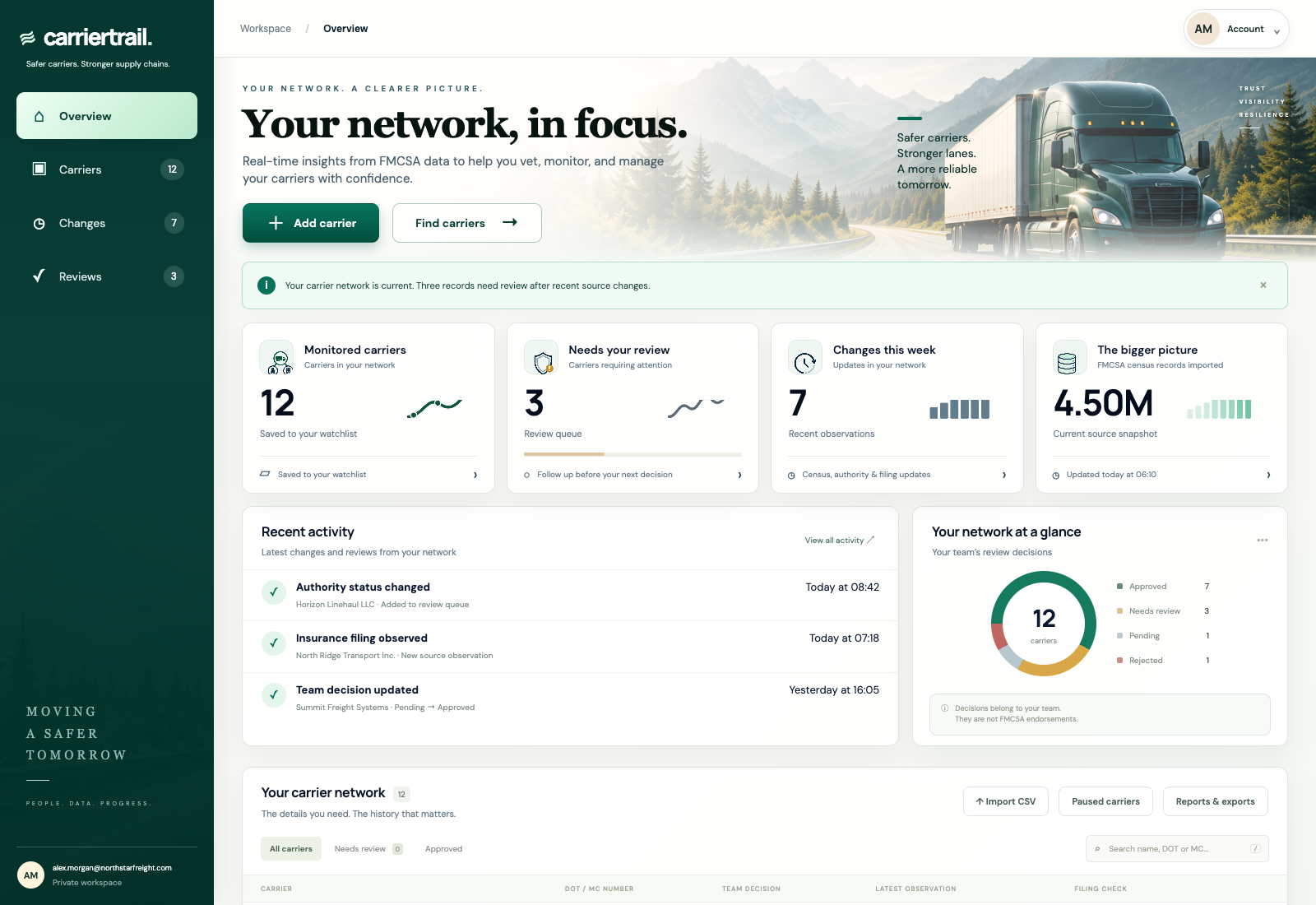
Explore →Add the carrier to your active watchlist. CarrierTrail’s carrier monitoring service compares later published source observations with the previous usable snapshot, including authority and insurance filings, census safety ratings, contact details and registration fields. Inspection, violation and crash summaries refresh from separate public safety datasets and show their coverage dates. Daily checks can reveal changes after approval, but their timing depends on source publication and successful imports. Verify your alert email and enable notifications to receive change notices.
Check which source fields are monitored, how often checks run, whether failed checks are visible, and whether the product preserves the evidence behind a team decision. CarrierTrail keeps source dates, before-and-after observations, private notes and explicit review outcomes together.
Pause monitoring to free an active carrier slot. The carrier’s saved notes, review decisions and evidence remain in the workspace. Adding the same carrier by MC instead of USDOT resolves to the existing record; a paused record must be resumed explicitly.
Starter includes 500 active carriers and two workspace members for $49 USD per month. Team includes 5,000 active carriers and five members for $99 USD per month. Both include public-record lookup, contact connections, saved filing observations, private decisions, verified change alerts and CSV/evidence exports.
The product does not certify insurance coverage, guarantee current capacity or label a business fraudulent. Other customers’ rejection decisions are not shared. Your team remains responsible for checking the proposed shipment and recording its own approval process.
Inspect sources and refresh timing · Follow the review checklist
Save carriers to a watchlist, review changes and keep notes with each decision.
Illustrative workflow: your team receives a carrier packet. The USDOT matches, but the phone on the packet differs from the phone in the census record. That mismatch is a question for your team to resolve before the carrier is approved.
Daily source checks depend on successful imports and source publication. CarrierTrail does not provide real-time approval, guarantee insurance coverage or share other customers’ rejection decisions.
Starter: 500 active carriers and two members. Team: $99/month, 5,000 active carriers and five members. Paid access starts after confirmed payment.